
Automations that remove
manual admin.
We map recurring workflows, replace manual steps with monitored pipelines, and hand over systems your team can trust.
1-2 weeks
Fast launch
From process map to working workflow.
10+ hrs/week
Time recovered
A typical first automation removes recurring admin work.
Monitored
Built to run
Alerts, retry logic, and audit trails are included.
Manual admin quietly eats the week.
We start with the work your team already does, then choose the smallest useful system to build.
Reports built by hand
Teams still export, clean, paste, and rewrite updates every week.
Managers wait for information that should already be ready.
Leads routed too late
Inbound requests sit until someone manually assigns ownership.
Speed-to-lead drops and good opportunities cool off.
Approvals stuck in chat
Decisions happen across Slack, email, and spreadsheets.
Work stalls because nobody knows the current state.
Data copied between tools
The same information is re-entered across CRM, forms, sheets, and dashboards.
Errors compound and nobody trusts the data.
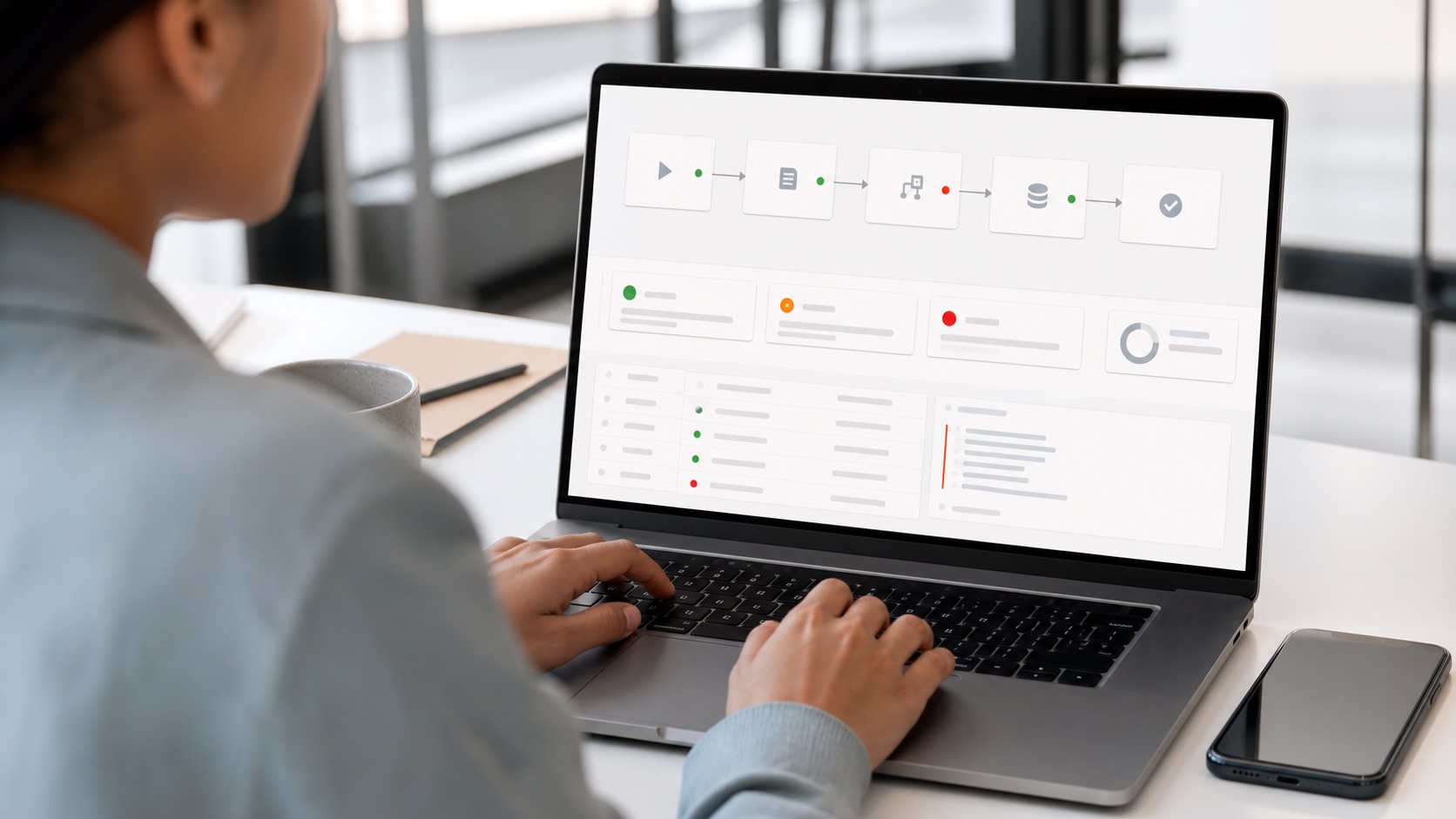
A workflow that is checked and logged.
No long theory. Before implementation, we make the inputs, owners, and outputs clear.
Step 01
Write down the current process
We map the actual steps, including the messy exceptions.
Step 02
Replace repeat manual steps
The workflow runs on its own and alerts the right person if something fails.
Step 03
Hand over the runbook
Your team knows how to operate, edit, and check the workflow.
Where automation pays back quickly.
Examples of work we can scope clearly and measure.
Lead routing
Score, enrich, and route new leads to the right owner.
Sales ops
Weekly reporting
Pull numbers, format summaries, and send updates automatically.
Leadership
Invoice/admin workflow
Move finance admin through checks, reminders, and logs.
Back office
Support handoff
Classify tickets and route them with context.
Customer teams
CRM hygiene
Clean fields, detect missing data, and update records.
RevOps
Approval chains
Turn informal approvals into traceable workflows.
Operations
What changes after the system is live.
The point is not more AI activity. The point is faster work, fewer manual steps, and clearer ownership.
Before ClickMark
Work depends on reminders.
Teams copy data between tools.
Errors are found too late.
No one owns the workflow.
After ClickMark
Triggered workflows run automatically.
Exceptions route to the right person.
Every run is logged.
The team gets a runbook.
What you actually receive.
Artifacts your team can inspect, run, and keep after the engagement.
Artifact 01
Full process audit and workflow map with time-cost estimates
Artifact 02
Production automation build: n8n, Make, or custom code
Artifact 03
Error monitoring, retry logic, and alert configuration
Artifact 04
Runbook and team training session
How the engagement works.
Three steps from first call to a usable system.
01
We audit the process
A week of observation and interviews. We trace every step, every handoff, every tool, and produce a map with time estimates per workflow.
02
We build the pipeline
Automation with error handling, retry logic, and alerting from day one. It handles edge cases, not just the clean path.
03
We hand over a runbook
Documentation, a training session, and monitoring. Your team runs and modifies it without calling us.
Common questions about Automation.
Automation
Pick the workflow costing your team the most time.
Bring one painful workflow. We will turn it into a scoped system plan.